

Key Technical Advantages of React Query
React Query simplifies data fetching and state management for modern applications while ensuring performance, scalability, and reliability. Here are the five most impactful advantages:
Seamlessly manage data fetching, caching, and error handling with React Query to build high-performance, real-time, and enterprise-ready applications.

React Query is the go-to library for managing data fetching, caching, and state synchronization in modern React applications. Unlike traditional global state management tools like Redux, React Query for data fetching simplifies API interactions, improves performance, and enhances developer experience.
By integrating React Query, teams can build real-time apps, enterprise dashboards, and scalable frontends with minimal boilerplate. It efficiently handles server state, automatic background updates, and React Query error handlingๅ ๆญค๏ผๅฎ้ๅธธ้ๅ scalable apps ๅ SSR (server-side rendering) solutions.
Key benefits include:
React Query vs Redux โ No manual reducers or actions; focuses on server state management.
React Query caching โ Optimized query caching ensures faster UI updates and offline-ready apps.
Real-time updates โ Perfect for React Query for real-time apps like dashboards and chat systems.
Automatic refetching & invalidation โ Keep data always in sync with minimal code.
Enterprise-ready โ Simplifies state management for React Query for enterprise and large-scale projects.

React Query simplifies data fetching and state management for modern applications while ensuring performance, scalability, and reliability. Here are the five most impactful advantages:

React Query is a powerful choice for modern React applications that require efficient data fetching, caching, and real-time performance. Below are the scenarios where it truly excels:
ๆไปฌ็ React Query integration approach focuses on data fetching, caching, real-time updatesๅ error handling to deliver scalable and high-performance apps.
import { useQuery } from '@tanstack/react-query'
import axios from 'axios'
const fetchUsers = async () => {
const { data } = await axios.get('/api/users')
return data
}
function UsersList() {
const { data, error, isLoading } = useQuery(['users'], fetchUsers)
if (isLoading) return <p>Loading...</p>
if (error) return <p>Error fetching users</p>
return (
<ul>
{data.map(user => (
<li key="{user.id}">{user.name}</li>
))}
</ul>
)
}
| ๅ ฌๅถ | React Query | Redux/Manual Fetch |
|---|---|---|
| Initial Data Fetch (ms) | 80โ120 | 150-200 |
| API Requests per User Action | 1 | 2-4 |
| Cached Response Speed (ms) | ~20 | ~100 |
// Example of React Query with Query Invalidation and Pagination
import { useQuery, useQueryClient } from '@tanstack/react-query'
import axios from 'axios'
const fetchProducts = async (page) => {
const { data } = await axios.get(`/api/products?page=${page}`)
return data
}
function Products({ page }) {
const queryClient = useQueryClient()
const { data, isLoading } = useQuery(
['products', page],
() => fetchProducts(page),
{
keepPreviousData: true, // Enables smooth pagination
staleTime: 5000 // Optimized caching
}
)
// Prefetch next page for better performance
React.useEffect(() => {
if (page < 10) {
queryClient.prefetchQuery(['products', page + 1], () =>
fetchProducts(page + 1)
)
}
}, [page, queryClient])
if (isLoading) return <p>Loading products...</p>
return (
<ul>
{data.items.map(product => (
<li key="{product.id}">{product.name}</li>
))}
</ul>
)
}
We help companies implement React Query for data fetching, caching, and real-time performance to create scalable, reliable, and enterprise-ready applications. Whether youโre modernizing an existing project or building a new frontend, our expertise ensures best practices and long-term maintainability.

Adopting React Query integration is ideal when your applications require efficient data fetching, real-time performanceๅ enterprise scalability.
React Query simplifies data fetching and caching, reducing API calls and improving speedโperfect for React Query for data fetching in SPAs, dashboards, and mobile apps.
By following React Query best practices with query keys, invalidation, and DevTools, teams can build React Query for scalable apps that handle growing data demands effortlessly.
React Query for real-time apps enables instant UI updates, while error handling, SSR, and caching ensure stability for React Query for enterprise solutions.
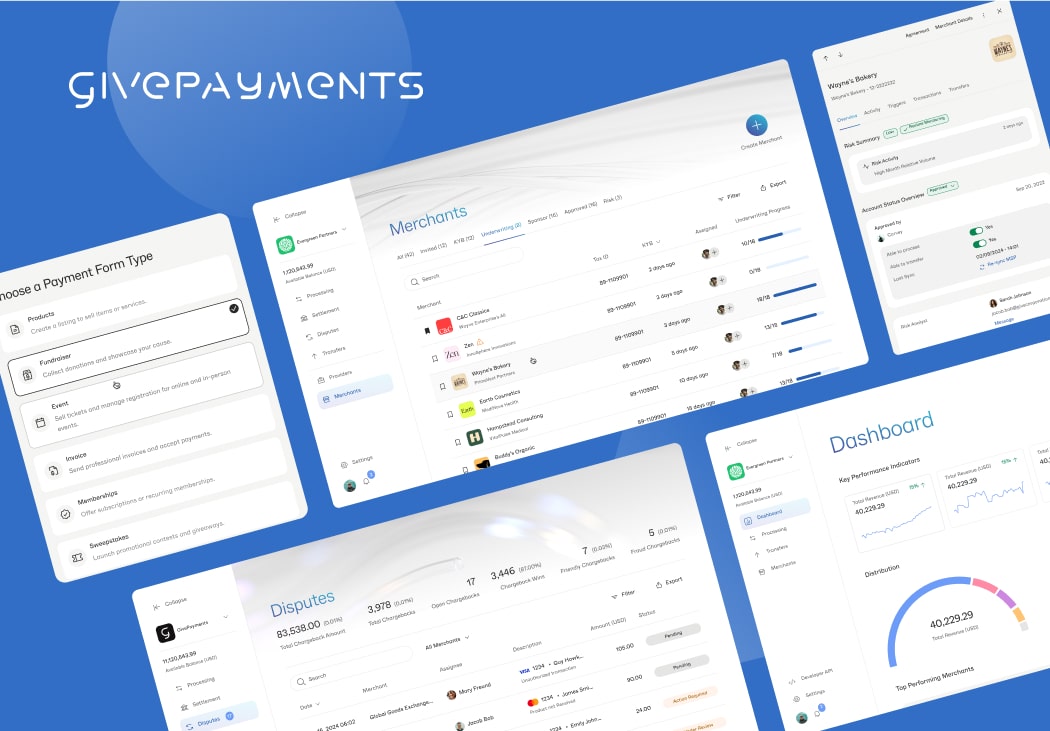
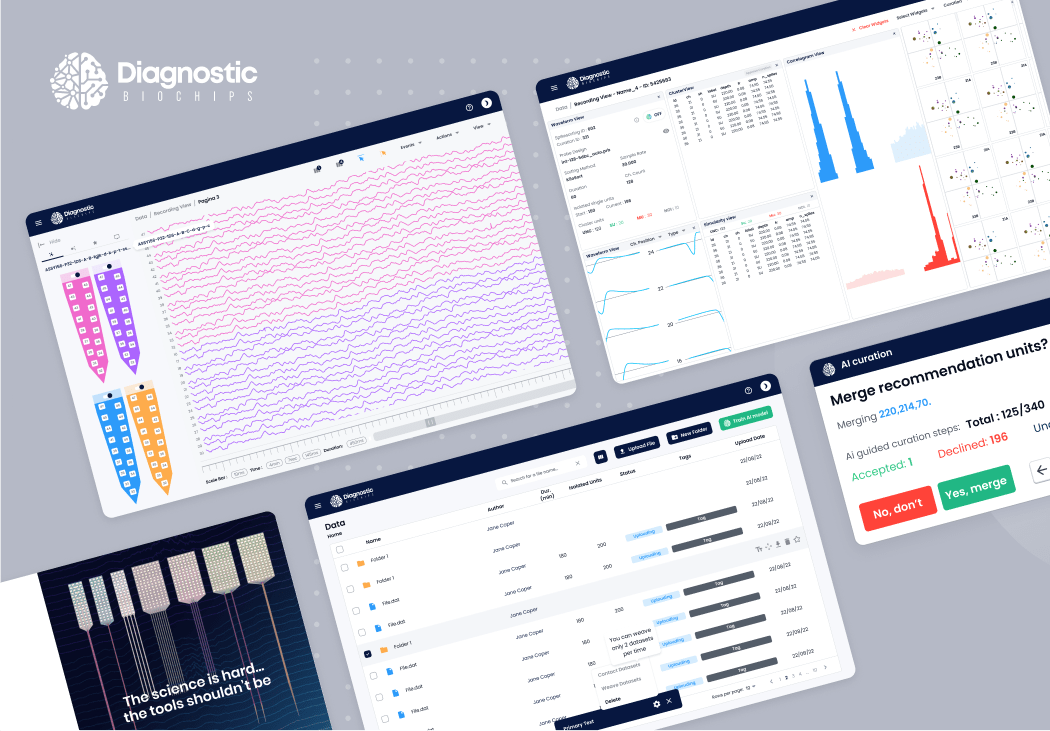
ๆไปฌ็ React Query integration powers modern applications that demand real-time updates, efficient data fetchingๅ enterprise scalability. Below are examples of how weโve successfully applied React Query best practices to complex projects.
React Query simplifies data fetching and state management in React apps by providing built-in caching, automatic refetching, and background updates, making it more efficient than manual fetch logic.
React Query vs Redux: Redux is great for managing client-side state, while React Query specializes in server state and data fetching. React Query reduces boilerplate and provides caching, retries, and real-time updates out-of-the-box.
React Query caching stores server responses for instant reuse, reducing API calls. Its error handling features include retries, fallbacks, and integration with React Error Boundaries for resilient UIs.
Yes. React Query and SSR work together to hydrate initial data on the server, providing faster first load times and improved SEOโideal for enterprise dashboards or content-heavy apps.
Absolutely. React Query for enterprise provides reliable query management, DevTools for debugging, and React Query best practices like invalidation and prefetching to handle complex, scalable applications efficiently.