

联络我们

React Query Integration for Scalable and Real-Time Apps

Seamlessly manage data fetching, caching, and error handling with React Query to build high-performance, real-time, and enterprise-ready applications.

联络我们

Why Integrate React Query?

React Query is the go-to library for managing data fetching, caching, and state synchronization in modern React applications. Unlike traditional global state management tools like Redux, React Query for data fetching simplifies API interactions, improves performance, and enhances developer experience.

By integrating React Query, teams can build real-time apps, enterprise dashboards, and scalable frontends with minimal boilerplate. It efficiently handles server state, automatic background updates, and React Query error handling因此,它非常适合 scalable appsSSR (server-side rendering) solutions.

Key benefits include:

  • React Query vs Redux – No manual reducers or actions; focuses on server state management.

  • React Query caching – Optimized query caching ensures faster UI updates and offline-ready apps.

  • Real-time updates – Perfect for React Query for real-time apps like dashboards and chat systems.

  • Automatic refetching & invalidation – Keep data always in sync with minimal code.

  • Enterprise-ready – Simplifies state management for React Query for enterprise and large-scale projects.

Key Technical Advantages of React Query

React Query simplifies data fetching and state management for modern applications while ensuring performance, scalability, and reliability. Here are the five most impactful advantages:

1

Efficient Data Fetching and Caching

React Query for data fetching minimizes network requests with smart caching. By leveraging React Query caching, data is reused when possible, reducing API load and improving page speed.
2

Real-Time Updates and Background Synchronization

With features like automatic refetching and WebSocket integration, React Query enables real-time apps and dashboards that stay updated without manual polling.
3

Error Handling and Retry Logic

Built-in React Query error handling provides robust mechanisms for retries, error boundaries, and fallback UIs, ensuring resilience in enterprise-grade applications.
4

Server-Side Rendering (SSR) and SEO Optimization

React Query and SSR support initial data hydration, allowing faster load times and better SEO performance for content-heavy or enterprise applications.
5

Enterprise-Ready DevTools and Best Practices

React Query offers powerful DevTools for debugging and React Query best practices for scalable apps, including query invalidation, pagination, and dependency management.

When and Why Use React Query

React Query is a powerful choice for modern React applications that require efficient data fetching, caching, and real-time performance. Below are the scenarios where it truly excels:

Real-Time Dashboards and Applications

Use React Query for real-time apps like analytics dashboards, monitoring tools, and live feeds. Automatic background refetching keeps UIs always up-to-date without manual polling.

Enterprise-Grade Applications

For large-scale apps that demand performance and reliability, React Query for enterprise simplifies complex data management, integrates well with APIs, and reduces boilerplate compared to Redux.

Scalable Frontend Architectures

React Query for scalable apps ensures your frontend can handle growing data requirements with optimized query caching, pagination, and on-demand fetching.

Server-Side Rendering and SEO-Driven Projects

React Query and SSR allow applications to fetch and hydrate data during the initial render, providing faster load times and better SEO for content-rich pages.

Error Handling and Resilient UIs

By leveraging React Query error handling and retry strategies, apps can gracefully recover from network failures and provide stable user experiences.

React Query in Action – Code, Performance & Architecture

我们的 React Query integration approach focuses on data fetching, caching, real-time updateserror handling to deliver scalable and high-performance apps.

编码
基准
Scalable Architecture & Best Practices
import { useQuery } from '@tanstack/react-query'
import axios from 'axios'

const fetchUsers = async () => {
  const { data } = await axios.get('/api/users')
  return data
}

function UsersList() {
  const { data, error, isLoading } = useQuery(['users'], fetchUsers)

  if (isLoading) return <p>Loading...</p>
  if (error) return <p>Error fetching users</p>

  return (
    <ul>
      {data.map(user => (
        <li key="{user.id}">{user.name}</li>
      ))}
    </ul>
  )
}
This demonstrates React Query for data fetching, handling loading and error states automatically, and caching results for future queries.
公制 React Query Redux/Manual Fetch
Initial Data Fetch (ms) 80–120 150-200
API Requests per User Action 1 2-4
Cached Response Speed (ms) ~20 ~100
// Example of React Query with Query Invalidation and Pagination

import { useQuery, useQueryClient } from '@tanstack/react-query'
import axios from 'axios'

const fetchProducts = async (page) => {
  const { data } = await axios.get(`/api/products?page=${page}`)
  return data
}

function Products({ page }) {
  const queryClient = useQueryClient()

  const { data, isLoading } = useQuery(
    ['products', page],
    () => fetchProducts(page),
    {
      keepPreviousData: true, // Enables smooth pagination
      staleTime: 5000         // Optimized caching
    }
  )

  // Prefetch next page for better performance
  React.useEffect(() => {
    if (page < 10) {
      queryClient.prefetchQuery(['products', page + 1], () =>
        fetchProducts(page + 1)
      )
    }
  }, [page, queryClient])

  if (isLoading) return <p>Loading products...</p>

  return (
    <ul>
      {data.items.map(product => (
        <li key="{product.id}">{product.name}</li>
      ))}
    </ul>
  )
}
This example demonstrates React Query best practices for scalable apps.

从概念到

React Query Integration Services to Accelerate Your Apps

We help companies implement React Query for data fetching, caching, and real-time performance to create scalable, reliable, and enterprise-ready applications. Whether you’re modernizing an existing project or building a new frontend, our expertise ensures best practices and long-term maintainability.


定制软件开发界面设计

定制软件开发

为您的企业量身定制的网络和移动软件开发。
了解更多

网络SaaS平台开发

利用尖端技术构建可扩展的网络 SaaS 平台。
了解更多

开发团队扩容

聘请专门的敏捷团队,与内部开发人员合作。
了解更多

When to Use React Query

Adopting React Query integration is ideal when your applications require efficient data fetching, real-time performanceenterprise scalability.

第1步

You need optimized data fetching for modern frontends

React Query simplifies data fetching and caching, reducing API calls and improving speed—perfect for React Query for data fetching in SPAs, dashboards, and mobile apps.

第2步

You want scalable and maintainable applications

By following React Query best practices with query keys, invalidation, and DevTools, teams can build React Query for scalable apps that handle growing data demands effortlessly.

第3步

You require real-time performance and enterprise readiness

React Query for real-time apps enables instant UI updates, while error handling, SSR, and caching ensure stability for React Query for enterprise solutions.

Proven React Query Solutions, Real Business Impact

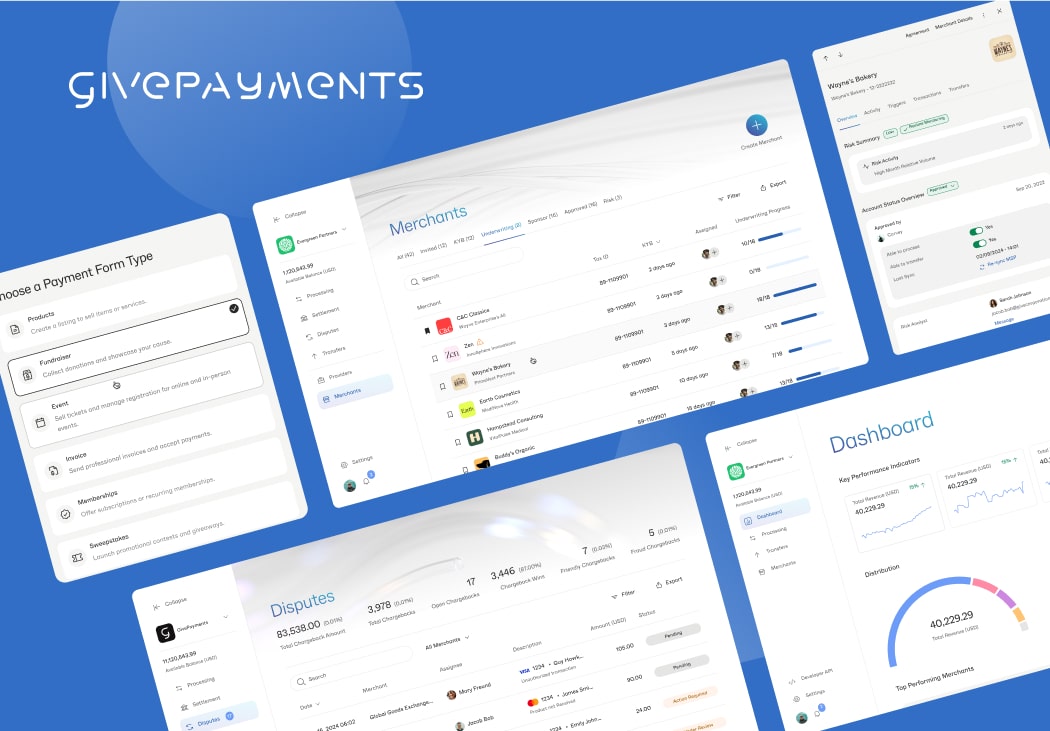
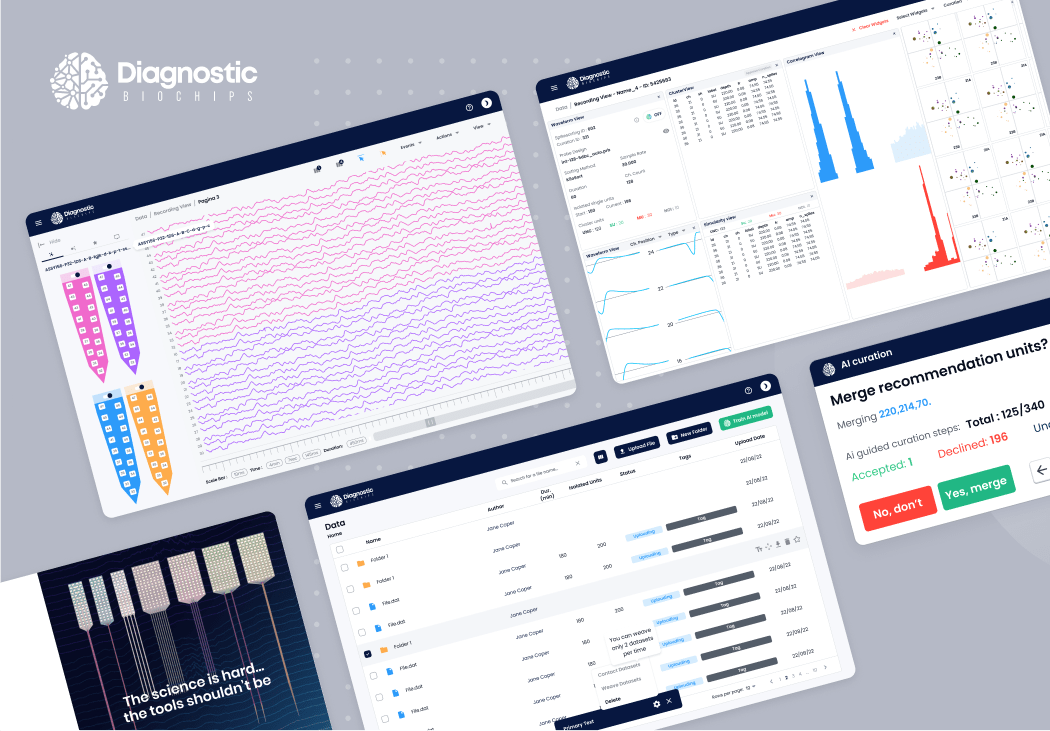
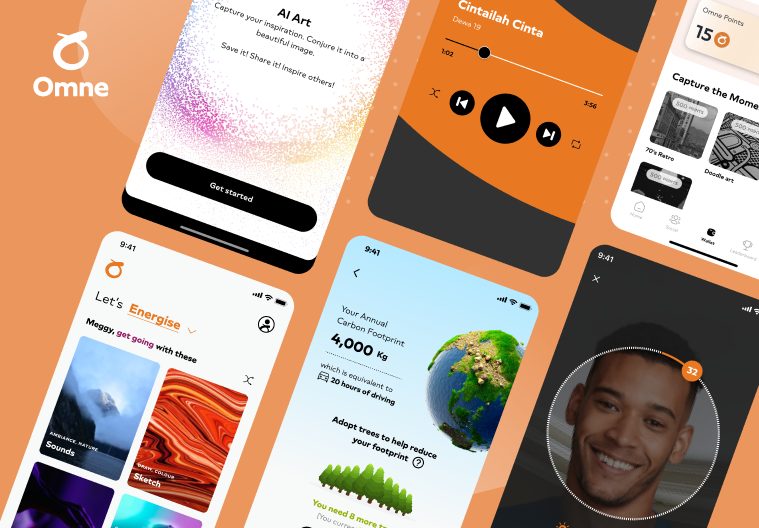
我们的 React Query integration powers modern applications that demand real-time updates, efficient data fetchingenterprise scalability. Below are examples of how we’ve successfully applied React Query best practices to complex projects.

See all client projects →

查看全部客户
博客

来自我们技术博客的见解

探索有关 React 开发、现代前端实践和实际用例的深度文章。通过我们团队提供的专业技巧和技术分析,保持领先地位。

React Native 和 React:2025 年的主要区别和优势

React Native 和 React 将在 2025 年继续主导网络和移动应用开发。但是,了解如何以及何时使用这两种工具可以为您节省时间、金钱和麻烦。React 和 React Native 是开发人员工具包中最强大的两种工具。从最前沿的 SaaS 平台到高性能的移动应用程序,它们无所不能。[...]
阅读更多

定制网络应用程序设计和开发

I.导言 定制网络应用程序的设计和开发是为满足特定业务需求和要求而量身定制网络应用程序的过程。与现成的解决方案不同,定制网络应用程序是从零开始设计和构建的,以提供独特的用户体验和符合企业目标的功能。在当今的数字时代,[...]
阅读更多

Frequently Asked Questions About React Query Integration

If you’re considering React Query integration for your next project, these FAQs cover essential topics like data fetching, caching, SSR, real-time apps, and enterprise readiness, helping you follow React Query best practices.

What is React Query and why use it for data fetching?

React Query simplifies data fetching and state management in React apps by providing built-in caching, automatic refetching, and background updates, making it more efficient than manual fetch logic.

How does React Query compare to Redux?

React Query vs Redux: Redux is great for managing client-side state, while React Query specializes in server state and data fetching. React Query reduces boilerplate and provides caching, retries, and real-time updates out-of-the-box.

How does React Query handle caching and error handling?

React Query caching stores server responses for instant reuse, reducing API calls. Its error handling features include retries, fallbacks, and integration with React Error Boundaries for resilient UIs.

Can React Query support SSR and SEO-friendly apps?

Yes. React Query and SSR work together to hydrate initial data on the server, providing faster first load times and improved SEO—ideal for enterprise dashboards or content-heavy apps.

Is React Query suitable for enterprise and scalable apps?

Absolutely. React Query for enterprise provides reliable query management, DevTools for debugging, and React Query best practices like invalidation and prefetching to handle complex, scalable applications efficiently.

与我们一起开始 React 之旅

我们屡获殊荣的团队随时准备帮助您设计、构建和扩展功能强大的网络应用程序。
预约探索电话
打开模式