Contact us

Material UI Integration for Modern Web Apps

Seamless Material UI integration means faster, more consistent, and visually stunning web applications. At Lasting Dynamics, we specialize in bringing your UI vision to life with Material UI, ensuring every project is beautiful, user-friendly, and robust, no matter your industry or scale.

Contact us

Why Is Material UI Integration So Important?

Material UI has become a go-to choice for developers and businesses aiming to create visually appealing, highly consistent, and responsive web applications. But why is it so important? First, Material UI offers a comprehensive suite of pre-built components that follow Google’s Material Design principles. This means you don’t just get an optimal interface, you get one that users intuitively understand and enjoy. Consistency across your entire project comes naturally, reducing the time spent on custom styling and eliminating design drift between pages or features.

For development teams, Material UI’s integration with React is seamless, leading to faster prototyping and easier maintenance. Its component-driven approach speeds up development cycles, making it ideal for agile startups and established enterprises alike. Accessibility is baked in, helping your application meet key standards without extra effort. Moreover, Material UI’s popularity ensures a vibrant ecosystem, with frequent updates, robust documentation, and a community ready to help with every challenge.

In short, integrating Material UI isn’t just about looking good, it’s about delivering user experiences that are modern, accessible, and efficient, all while keeping your development process enjoyable and productive.

Key Advantages of Material UI Integration

Material UI integration brings a compelling set of advantages, from faster performance to scalability, robust security practices, a thriving developer community, and versatile use cases for modern web applications.

1

Performance

Material UI’s React-based components are optimized for speed, delivering smooth, responsive interfaces that load quickly and perform well even in demanding enterprise environments, leading to an improved experience for your users.
2

Scalability

With its modular component structure, Material UI makes scaling your application straightforward, letting you add new features or sections without sacrificing consistency or maintainability, perfect for growing businesses.
3

Security Best Practices

Material UI follows the latest web standards and security best practices, providing reliable components that help protect your web applications from common vulnerabilities and ensure safer user interactions.
4

Developer Ecosystem

A massive and active community, extensive documentation, and regular updates make Material UI a favorite among developers, ensuring that your team benefits from ongoing support and a wealth of shared resources.
5

Common Use Cases

Material UI excels in dashboards, admin panels, e-commerce platforms, and any web application where a polished, consistent, and user-friendly interface is essential for both end-users and administrators.
When and Why Use Material UI Integration?

Material UI integration is the go-to choice when you need to build modern, visually consistent, and highly interactive web applications quickly. Its flexibility, robust component library, and active community make it ideal for projects that demand both speed and scalability without sacrificing quality.

Rapid Prototyping

Material UI’s pre-built components and theming system allow teams to create polished prototypes and MVPs in record time, letting you validate ideas and iterate quickly without reinventing the wheel.

Consistent Design

By following Google’s Material Design guidelines, Material UI ensures a unified look and feel across your entire application, making it easier to maintain brand consistency and deliver a professional user experience.

Customizability

Material UI offers extensive customization options, from theming to component overrides, so you can tailor the interface to your brand’s unique style while still benefiting from a solid design foundation.

Accessibility Focus

Accessibility is built into Material UI’s core, with components designed to meet modern accessibility standards, helping you reach a wider audience and comply with legal requirements effortlessly.

Scalable Architecture

Material UI’s modular approach and reusable components make it easy to scale your application as your business grows, ensuring maintainability and performance even as complexity increases.

Strong Community

A vibrant developer community means you’ll always find support, tutorials, and third-party integrations, reducing development friction and ensuring your team can solve challenges quickly.

Material UI Integration – Code Example and Performance Insights

Let’s look at a practical, real-world Material UI integration scenario within a React application. We’ll demonstrate a themeable, responsive dashboard featuring asynchronous data fetching and custom component overrides. This example shows how Material UI supports complex UI logic and scalable code architecture for enterprise-grade projects.

Code
Benchmark
Examples
// src/Dashboard.js
import * as React from 'react';
import { createTheme, ThemeProvider, styled } from '@mui/material/styles';
import { CssBaseline, Box, AppBar, Toolbar, Typography, Drawer, List, ListItem, ListItemText, CircularProgress, Paper } from '@mui/material';
import axios from 'axios';

// Custom styled sidebar with Material UI's styled utility
const StyledDrawer = styled(Drawer)(({ theme }) => ({
  '& .MuiDrawer-paper': {
    background: theme.palette.primary.light,
    color: theme.palette.primary.contrastText,
    width: 220,
  },
}));

const theme = createTheme({
  palette: {
    primary: { main: '#0d47a1' },
    secondary: { main: '#ffb300' },
  },
  components: {
    MuiAppBar: { styleOverrides: { root: { minHeight: 64 } } },
    MuiPaper: { styleOverrides: { root: { padding: 24 } } },
  },
});

export default function Dashboard() {
  const [loading, setLoading] = React.useState(true);
  const [data, setData] = React.useState([]);

  React.useEffect(() => {
    axios.get('https://jsonplaceholder.typicode.com/users')
      .then((res) => {
        setData(res.data);
        setLoading(false);
      });
  }, []);

  return (
    <ThemeProvider theme={theme}>
      <CssBaseline />
      <AppBar position="fixed">
        <Toolbar>
          <Typography variant="h6" sx={{ flexGrow: 1 }}>Material UI Dashboard</Typography>
        </Toolbar>
      </AppBar>
      <StyledDrawer variant="permanent" anchor="left">
        <Toolbar />
        <List>
          {['Overview', 'Users', 'Settings'].map((text) => (
            <ListItem button key={text}>
              <ListItemText primary={text} />
            </ListItem>
          ))}
        </List>
      </StyledDrawer>
      <Box component="main" sx={{ ml: 28, mt: 12 }}>
        <Paper elevation={3}>
          <Typography variant="h5" gutterBottom>User List</Typography>
          {loading ? (
            <CircularProgress />
          ) : (
            <List>
              {data.map((user) => (
                <ListItem key={user.id}>
                  <ListItemText
                    primary={user.name}
                    secondary={user.email}
                  />
                </ListItem>
              ))}
            </List>
          )}
        </Paper>
      </Box>
    </ThemeProvider>
  );
}
This code sets up a themeable dashboard with a permanent sidebar, custom styling, and a main content area that fetches and displays user data asynchronously. It leverages Material UI’s styling/theming, component overrides, and integrates with real APIs for dynamic content, mirroring the architecture of enterprise dashboards.
Metric / Feature Plain HTML/CSS/JS Material UI (MUI)
Setup time High Low
Theming flexibility Low High
Accessibility (a11y) Low High
Customization effort High Low
import Button from '@mui/material/Button';

export default function CustomButton() {
  return <Button color="secondary" variant="contained">Click Me</Button>;
}
A minimal, production-ready Material UI button with theme-aware coloring and built-in accessibility, demonstrating how easy it is to create beautiful, functional UI elements at scale.

From Concept to <Code/>

Material UI Expertise: Tailored UI Solutions for Growth

Lasting Dynamics delivers expert Material UI integration, offering custom themes, component libraries, and accessibility-first interfaces. We help your business scale faster with beautiful, maintainable, and high-performing React applications, built to match your unique needs and growth goals.


custom software development interface design

Custom Software Development

Web and mobile custom software development tailored to your business.
Learn more

UI/UX Design

Improve your digital product with a beautiful and easy-to-use interface.
Learn more

Web SaaS Platform Development

Building scalable web SaaS platforms with cutting-edge technology.
Learn more

When and Why Use Material UI Integration

We follow a proven process to deliver seamless Material UI solutions.

Step 1

Discovery and Requirements Gathering

We start by understanding your business needs, user expectations, and technical requirements to ensure Material UI is the right fit for your project and goals.

Step 2

Custom Design and Implementation

Our team creates tailored Material UI themes and components, integrating them into your React application for a consistent, accessible, and visually appealing user experience.

Step 3

Testing and Continuous Improvement

We rigorously test your interface for usability, performance, and accessibility, then iterate based on feedback to guarantee a robust and scalable Material UI solution.

Proven Results: Material UI in Action

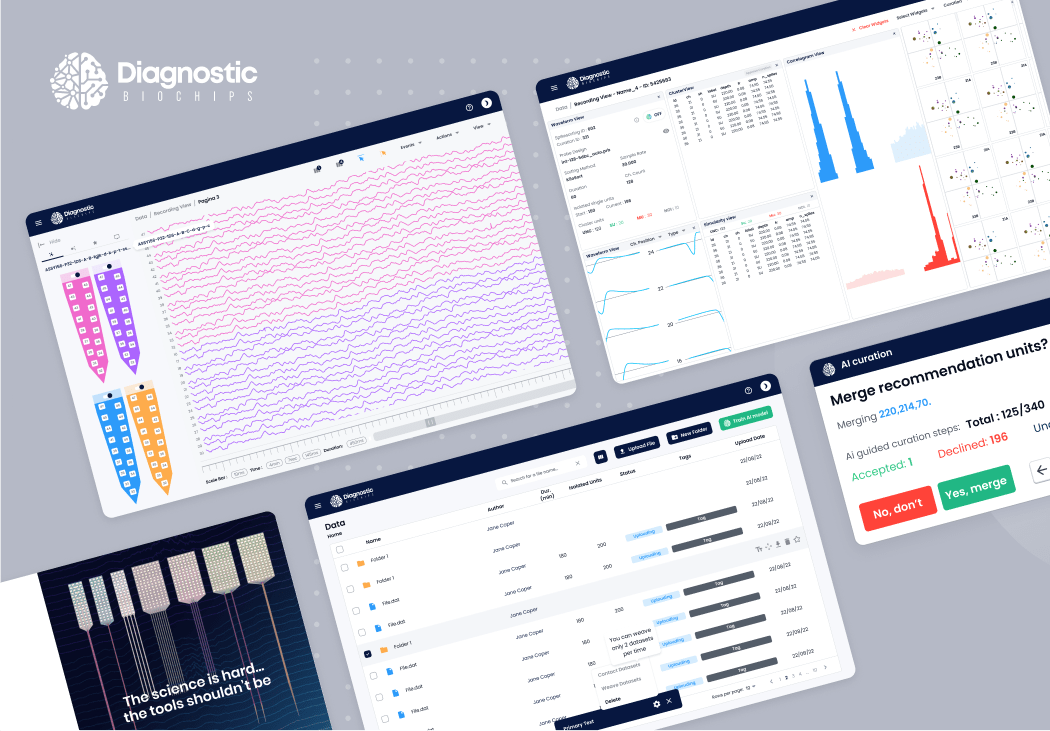
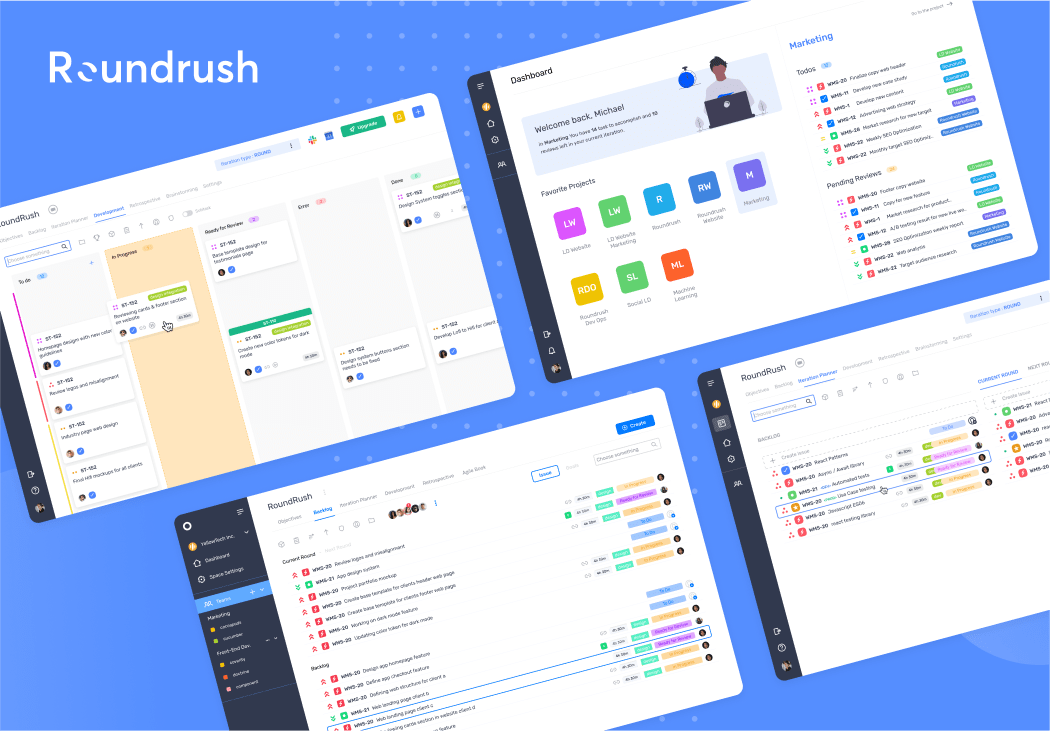
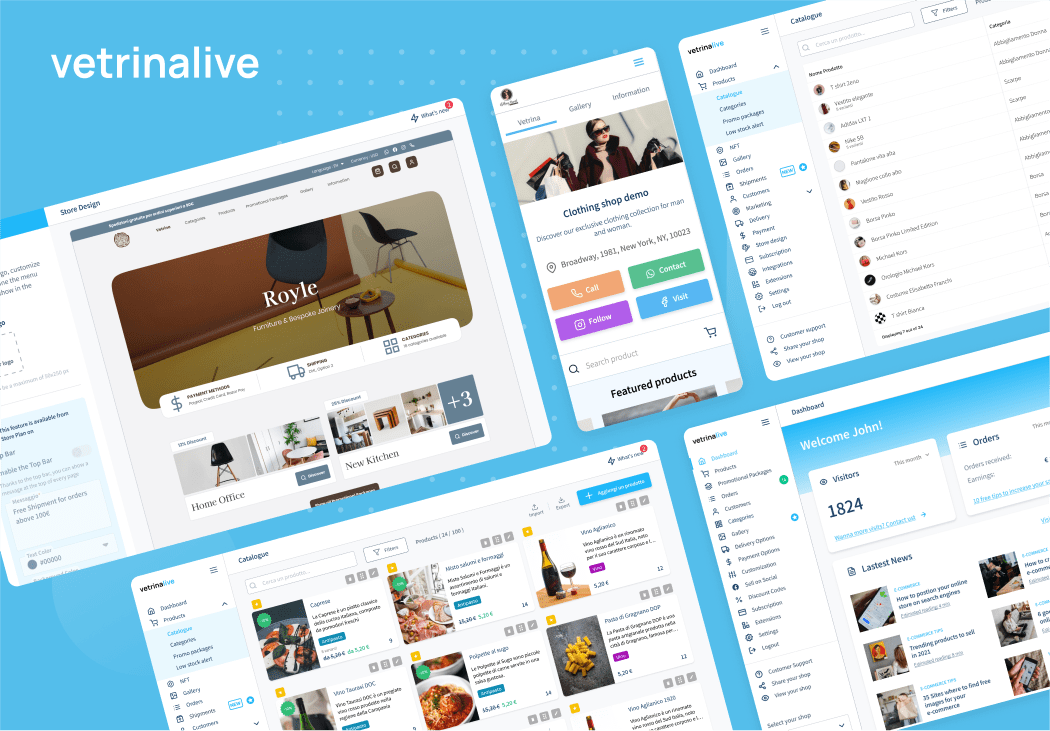
We’ve helped organizations integrate Material UI into their applications, delivering fast, cohesive interfaces that enhance usability and drive user satisfaction. Our expertise ensures that each implementation not only looks great but also performs reliably across devices.

See full clients
BLOG

Insights from Our Tech Blog

Explore in-depth articles on React development, modern front-end practices, and real-world use cases. Stay ahead with expert tips and technical breakdowns from our team.

Reduce Software Development Costs in 2025: Great Strategies by Lasting Dynamics

Overview In 2025, the need to reduce software development costs is pressing more than ever for businesses in the USA. The digital transformation wave, rising developer salaries, and economic uncertainty have made cost optimization a top priority for IT leaders. Companies are seeking innovative ways to lower dev costs, cut developer expenses, and save IT […]
Read more

How you can apply the Atomic design theory to create your design system

In the previous article, we shared with you the Atomic design system methodology, in this blog post we will show you how to put your new knowledge into practice. As you know, there are five stages of atomic design: And in this article, we will learn the best practices of how to build it in […]
Read more

Frequently Asked Questions about Material UI Integration

Knowing the answers to common questions is crucial when considering Material UI for your project.

Is Material UI suitable for enterprise applications?

Yes, Material UI is widely used in enterprise apps due to its scalability, robust component library, and active community support.

Can I customize Material UI components to match my brand?

Absolutely! Material UI offers powerful theming and customization options, allowing you to tailor every component to your brand’s identity.

Does Material UI support accessibility standards?

Yes, Material UI is built with accessibility in mind and follows WAI-ARIA guidelines, making it easier to create inclusive web applications.

How does Material UI impact performance?

Material UI is optimized for performance, but like any library, best practices should be followed to avoid unnecessary re-renders and bundle bloat.

Is Material UI compatible with server-side rendering (SSR)?

Yes, Material UI works seamlessly with SSR frameworks like Next.js, ensuring fast initial loads and improved SEO.

Start your React journey with us

Our award-winning team is ready to help you design, build, and scale powerful web applications.
Schedule a discovery call
Open modal